Getting Started
Create your CodeInput account using GitHub, GitLab, Bitbucket, or email. Your authentication choice won't affect your ability to use CodeInput features.
The first step to getting started with CodeInput is creating your account. We offer multiple authentication options so you can use whatever works best for your workflow.
Authentication Options
You can create a CodeInput account using any of the following methods:
- GitHub - Sign in with your GitHub account (recommended)
- GitLab - Connect using your GitLab identity
- Bitbucket - Use your Bitbucket credentials
- Email - Create an account with your email address
Which Option Should You Choose?
All authentication methods give you full access to CodeInput features. The method you choose doesn't affect your ability to install the GitHub Application later - you can connect any GitHub account regardless of how you signed up.
However, we recommend using GitHub OAuth for the smoothest experience, especially if you plan to:
- Work primarily with GitHub repositories
- Install the CodeInput GitHub App
- Collaborate with teams using GitHub
Creating Your Account with GitHub
To sign up using GitHub, follow these steps:
- Navigate to the CodeInput sign-up page
- Click the "Sign in with GitHub" button
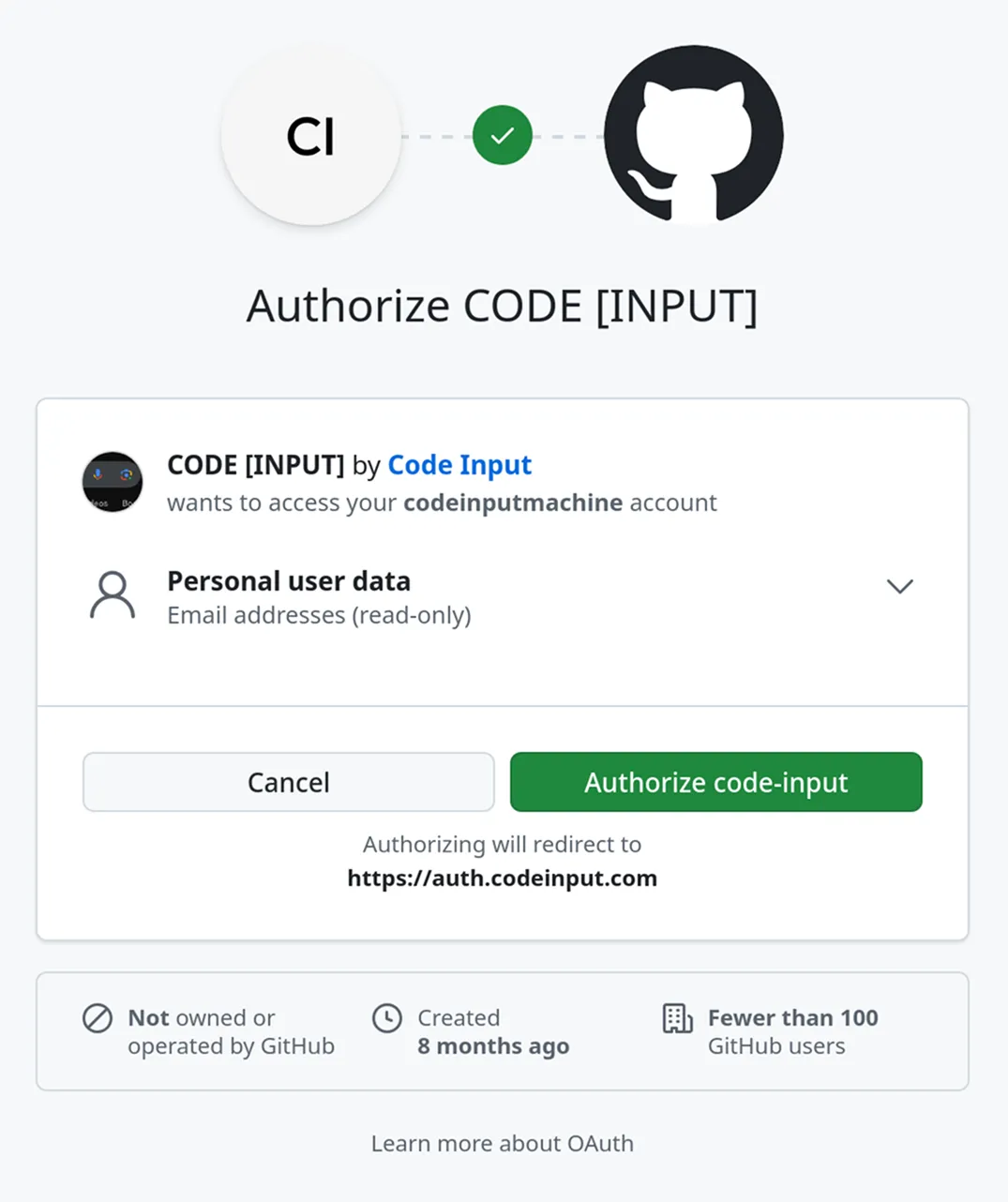
- You'll be redirected to GitHub to authorize the CodeInput OAuth application
- Review the permissions and click "Authorize CodeInput"
What Happens Next?
After authorizing the application:
- You'll be redirected back to CodeInput
- Your account will be automatically created and linked to your GitHub identity
- No password is required - you'll sign in using GitHub going forward
Using Other Authentication Methods
GitLab or Bitbucket
The process is identical to GitHub:
- Click the respective sign-in button
- Authorize the CodeInput application on your chosen platform
- Your account is created and ready to use
Email Sign-Up
If you prefer to use email:
- Click "Sign up with email"
- Enter your email address and create a password
- Verify your email address through the confirmation link we'll send
- Your account is ready to use
Next Steps
Once your account is created, you can proceed to install the GitHub Application to start resolving merge conflicts in your repositories.
Need Help?
If you encounter any issues during sign-up:
- Check that pop-ups are enabled in your browser for the OAuth flow
- Ensure you're logged into the correct account on your chosen platform
- Contact us at support@codeinput.com